
The Hidden Chrome Feature That Turns Any Website Into a Windows or Mac App
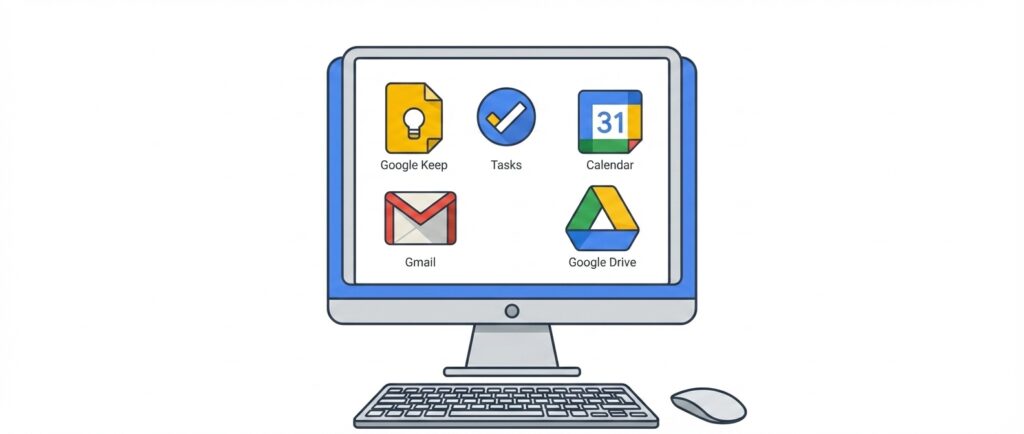
One downside of Google Workspace compared to Microsoft 365 is that there are no native desktop apps for Mac or Windows. Microsoft gives you Word, Excel, Outlook, and the rest as full applications you can install. With Google, you get the browser, and that’s it. For a lot of people, that’s a real friction point.
There are genuine benefits to having desktop apps over web-only tools. A dedicated app lives in your dock or taskbar, launches on its own, and stays open even when you’re not actively using it. You won’t accidentally close it by shutting a browser window, and it won’t get buried in a pile of tabs. For tools you rely on constantly, like notes or tasks, that separation matters.
What most people don’t realize is that Chrome has a built-in feature that lets you install any Google Workspace tool as a desktop app on Mac or Windows. Keep, Tasks, Calendar, whatever you use most can run in its own window, launch from your dock or taskbar, and behave just like a native app. It takes about 30 seconds to set up.

Do you build with Google AppSheet (or do you want to)? If so, check out Boost for AppSheet. It's a Chrome extension that helps you build whatever you can imagine. It's free to sign up, and free for lite use.
As a bonus, this works for any website, not just Google tools. If there’s a site you want always running in the background, something where closing the tab would mean losing your work or cutting off audio, you can install it as an app instead. I use it for SiriusXM so my music keeps playing without the risk of accidentally shutting it down.
In the video we’ll walk through how to set this up on both Mac and Windows. Check it out below.
If you found this helpful and want to learn more about AppSheet and other app-building tips, be sure to subscribe to our channel. Subscribe to stay updated with the latest tutorials and enhance your app-building skills with us!