

Checkbox under a magnifying glass on a black background

Are You Sure? How to Confirm Actions in Google AppSheet

Ensuring user actions align with their intentions is crucial. Have you ever accidentally clicked delete and watched your data disappear without any warning? It’s an unsettling experience that underscores the importance of confirmation prompts. Whether you’re managing data, submitting forms, or updating records, having a confirmation step can save you from unintended consequences. Google AppSheet […]

Continue Reading
Filed Under: Features, How To, Learning
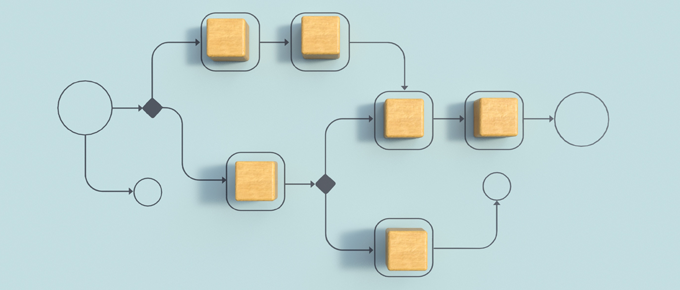
Abstract workflow diagram with wooden blocks connected by arrows and symbols, representing automation and process flow on a light blue background.

Reusing Automation in AppSheet: A Deeper Look

In this video, we explore how to set up reusable automation pieces in AppSheet without the hassle of creating temporary bots. We look at what the “Show all components” setting actually does and how we can jump straight into Processes, Events, and Tasks to build detached components we can attach later. What we cover Why […]

Continue Reading
Filed Under: How To, Learning, Tips
Background is dark purple with lighter purple and blue lines representing waveforms. In the foreground is the AppSheet logo.

Exploring AppSheet’s New AI Text Categorization

In this video, I explore a new AI feature in Google AppSheet that lets you automatically categorize text entries within your app. This builds on a previous video covering the new AI features, like extracting text from images, but the focus here is on understanding the content of user-submitted text and assigning it to predefined […]

Continue Reading
Filed Under: Features, How To, Learning
The AppSheet logo above and Zapier logo below, with a curvy arrow connecting the two.

How to Connect Google AppSheet to Zapier Without Code

In this video, I show how to connect Google AppSheet to Zapier, making it easy to automate workflows between AppSheet and thousands of other apps using no-code tools. Zapier acts as a bridge that listens for events from AppSheet and then triggers actions in other tools such as Slack, Gmail, or Google Sheets. The example […]

Continue Reading
Filed Under: How To, Learning
Icon of a calendar with a reminder bell in front of it. Behind the icon is a blue star field.

Build Your Own Appointment Reminder App with Google AppSheet

In this three-part video series, I show how you can build a fully functional, customizable appointment reminder and confirmation app using Google AppSheet. If you’ve ever received helpful reminders from your doctor or hairdresser, this app lets you create that kind of system for your own business. And you can build and host it at […]

Continue Reading
Filed Under: How To, Learning